.svg)
What are the best SEO tools by use case?

The SEO landscape has shifted dramatically. It is no longer enough to simply optimize for ten blue links on a Google results page. With the rise of AI-driven search engines like Perplexity and SearchGPT, professionals now face a dual challenge: maintaining traditional search rankings while securing visibility in AI-generated answers. Having spent the last eight years immersed in the eCommerce and SEO industries, I’ve seen firsthand how difficult it can be to choose the right tools to drive sustainable traffic. In fact, industry research from Semrush suggests that AI search traffic is growing so rapidly that it may rival traditional search by 2030, highlighting the urgency of adapting SEO strategies for both worlds (Semrush, AI Search & SEO Traffic Study).
This guide cuts through the noise of hundreds of software options to identify the best SEO tools by use case, so your stack is ready for the hybrid search economy of 2026.
Best SEO tools comparison by use case
To help you make a quick decision, we have compared the top market contenders based on their specific utility rather than generic feature lists. This table highlights where each tool excels and, crucially, where it falls short.
Note: As the creator of Blym AI, I want to be upfront about my bias. I've tested these tools extensively, but my interest in promoting our solution is undeniable. I recommend you try them yourself, starting with a free trial if available, to see which aligns best with your needs.
Quick recommendations:
- Best for complete SEO management: SEMrush remains the industry standard for data depth.
- Best for high-ranking content creation: Blym is the superior choice for teams needing to rank on Google and be cited by AI, bridging the gap between strategy and execution.
- Best for technical deep dives: Screaming Frog is indispensable for fixing site architecture and crawl errors.
The state of SEO tools in 2026: why use cases matter more than features
The era of “Swiss Army Knife” SEO tools is shifting. While all-in-one platforms remain essential, 2026’s SEO stacks focus on workflow specialization, driven by Generative Engine Optimization (GEO) — a term emerging in recent academic work on AI search that describes how AI models synthesize answers from web content in fundamentally different ways than classic SERPs (ArXiv, Generative Engine Optimization: How to Dominate AI Search).
Traditional tools analyze static SERPs, but modern search engines create dynamic answers. New technology must understand how Large Language Models (LLMs) assess brand authority and relevance.
Legacy tools target only Google’s algorithm, while platforms like Blym unify SEO and GEO workflows. Blym uses multiple AI models to blend search intent with brand voice, shifting from data reports to active content orchestration.
For businesses, the best tool matches their maturity, team, and need for visibility on both search engines and AI platforms.
Best SEO tools by use case
Best all-in-one SEO platforms that actually deliver
These platforms serve as the command center for your SEO strategy, offering data on keywords, backlinks, and competitors in a single interface.
SEMrush
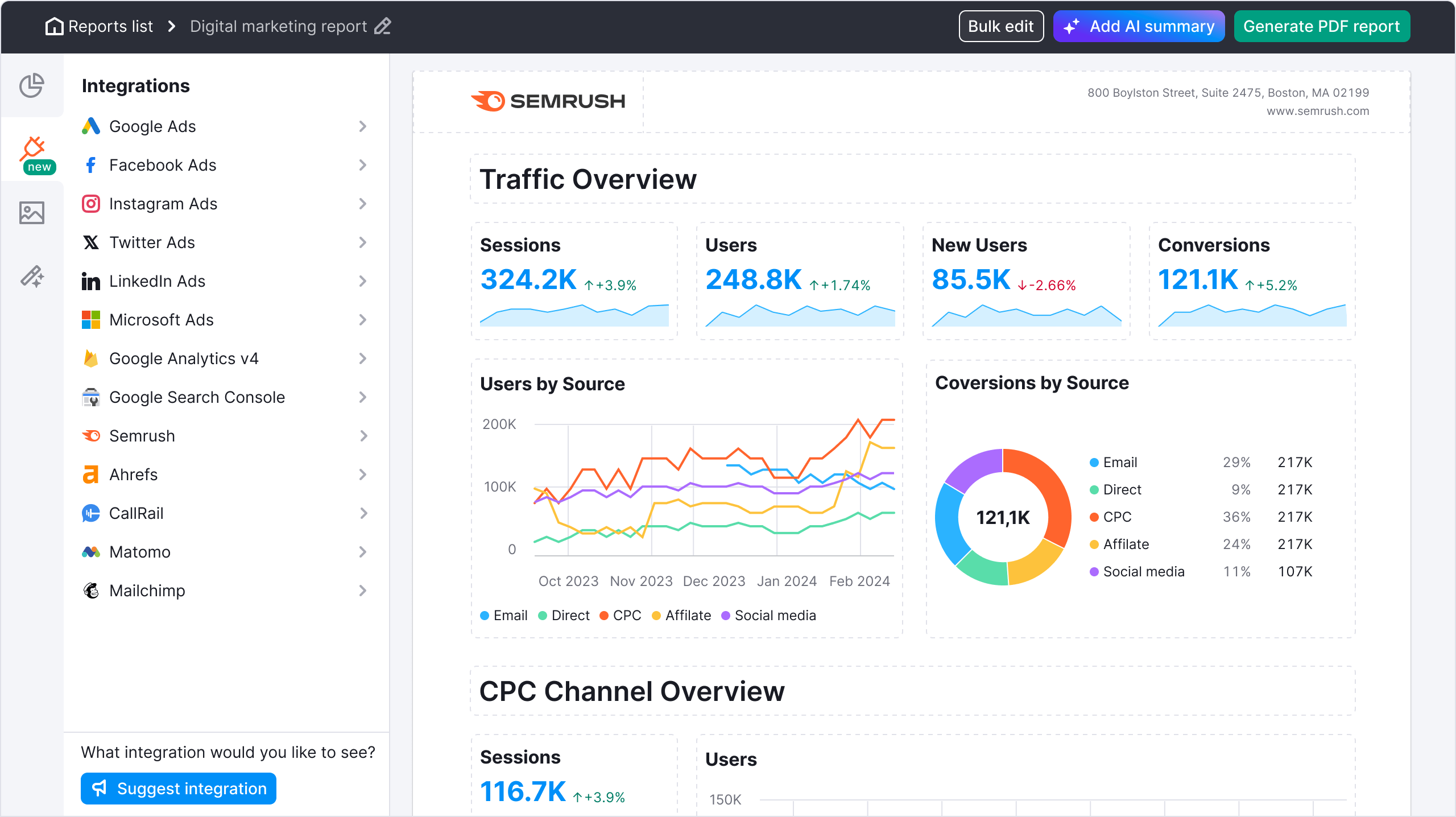
SEMrush is widely regarded as the most comprehensive SaaS platform for online visibility and traffic management, covering SEO, PPC, and content marketing.
Pricing: Starts at $165/mo yearly.
My review: user-friendly interface, and innovative dual optimization approach. I praise its unique ability to combine traditional SEO with AI-driven insights, making content creation faster and more effective. On the downside, some may report a learning curve when first adopting its multi-model orchestration features. Nevertheless, the platform's commitment to brand voice preservation and responsive customer support results in high satisfaction and strong loyalty among SEO professionals and agencies.
Key features:
- Domain Overview with historical data.
- Keyword Magic Tool with 25B+ keywords.
- Site Audit tool checking 140+ technical health checks.
Pros:
- Unmatched keyword database size.
- Excellent intent analysis features.
Cons:
- Interface can be overwhelming for beginners.
- Add-on users are expensive ($45-$80/user).
Ideal for: Marketing teams requiring a single source of truth for SEO and PPC.
Not ideal for: Freelancers on a tight budget or teams needing automated content writing.
Ahrefs
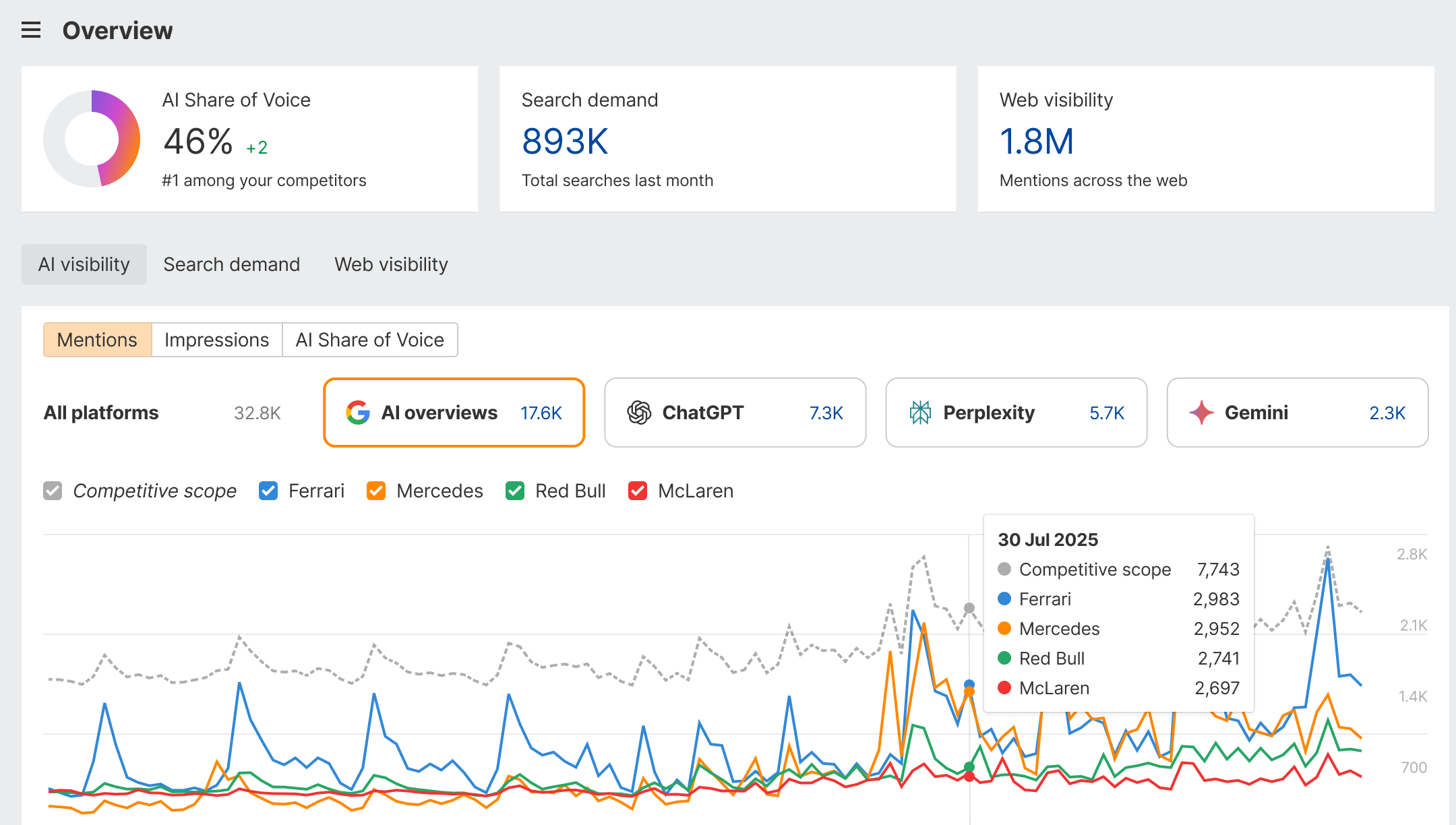
Originally a backlink checker, Ahrefs has evolved into a full-suite SEO tool known for its superior web crawling capabilities and clean UI.
Pricing: Starts at $99/mo (Lite), but usage credits can be restrictive.
My reviews: I highly appreciate Ahrefs. That’s the tool we use at Blym, to be honest, for technical SEOs, for link data accuracy and comprehensive backlink analysis, providing crucial insights for effective off-page SEO strategies. I note the pricing can be high if the tool is used solely for link building, and the interface may feel complex for newcomers.
Key features:
- Site Explorer with best-in-class backlink data.
- Content Explorer for finding popular topics.
- Keywords Explorer with click-stream data.
Pros:
- Most active web crawler after Google.
- Intuitive interface and data visualization.
Cons:
- Credit-based pricing model limits heavy usage.
- No integration with Google Analytics.
Ideal for: Link builders and technical SEOs who prioritize backlink data.
Not ideal for: Teams needing robust reporting or PPC data.
Moz Pro
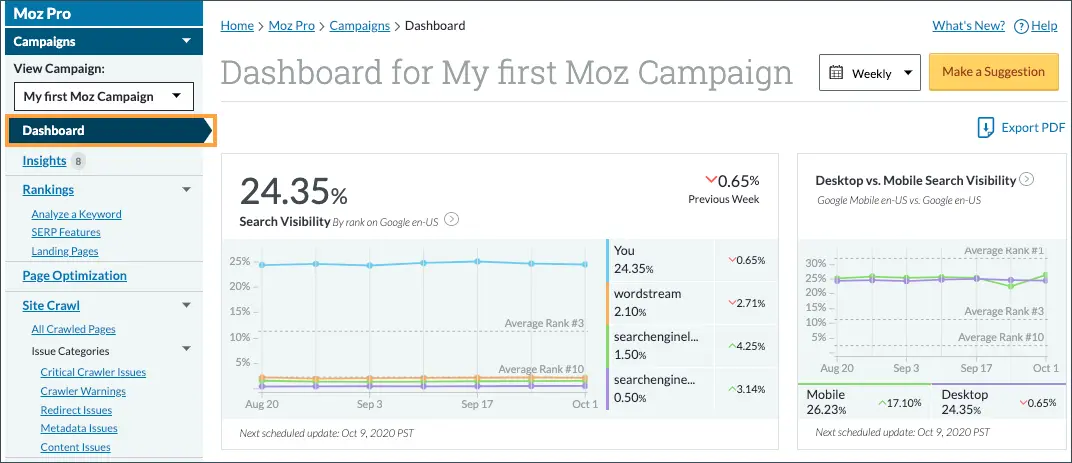
Moz Pro is the veteran of the industry, famous for creating the "Domain Authority" (DA) metric.
Pricing: Starter plan starts at $39/mo yearly.
My review: Strong community support creates a reliable and collaborative user environment, fostering shared knowledge and assistance. However, I often note that feature updates occur more slowly compared to competitors, which can delay access to the latest SEO innovations.
Key features:
- Link Explorer (DA/PA metrics).
- Keyword Explorer with "Priority" scoring.
- On-page optimization grader.
Pros:
- User-friendly and educational for beginners.
- Proprietary metrics (DA) are industry standards.
Cons:
- Database updates are less frequent than Ahrefs/SEMrush.
- Interface feels dated compared to modern tools.
Ideal for: SMBs and beginners wanting reliable metrics without complexity.
Not ideal for: Enterprise-level technical audits.
SE Ranking
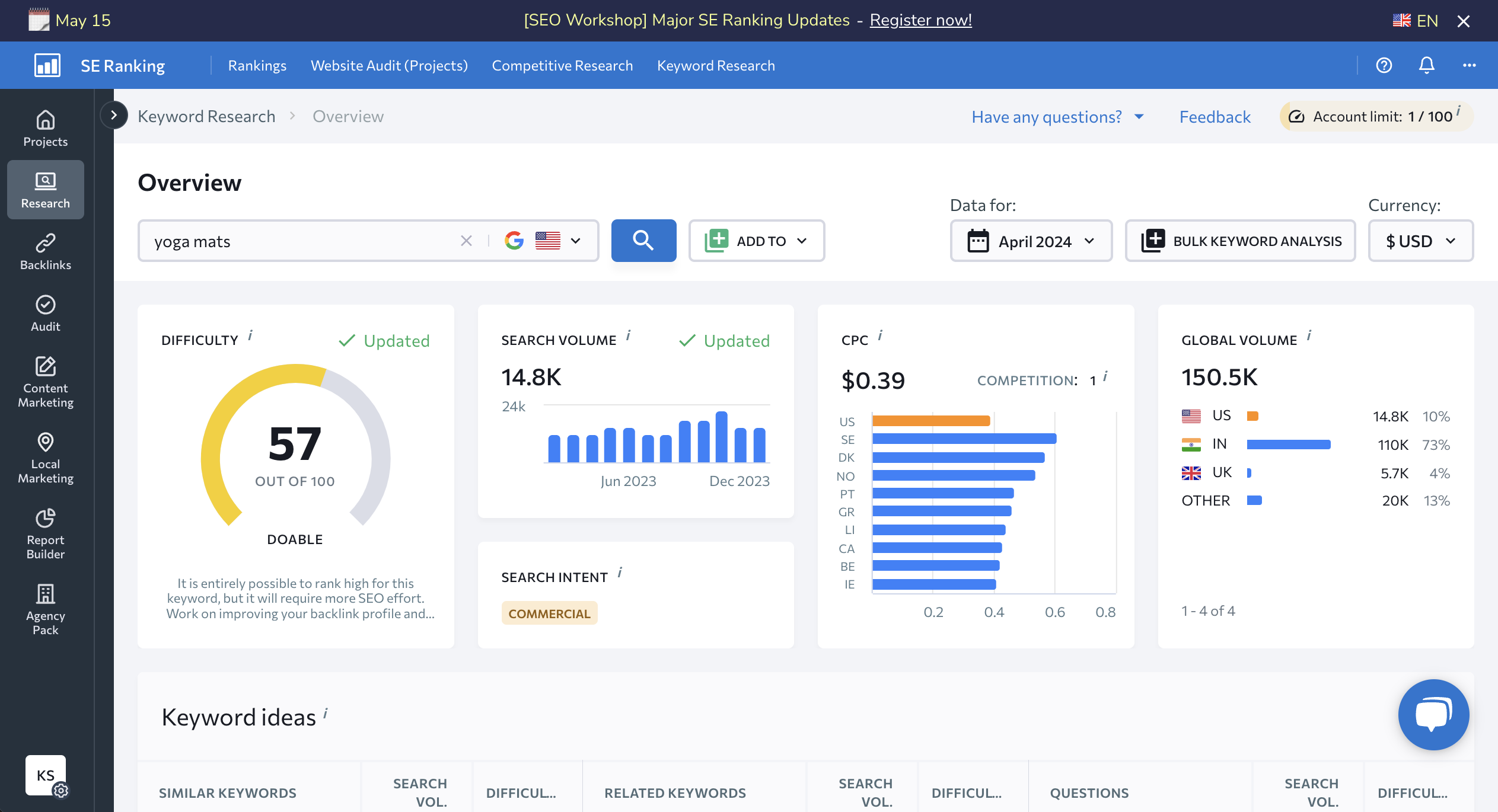
A scalable all-in-one platform that offers enterprise-level features at a more accessible price point.
Pricing: starts at $47.20/mo.
My review: I praise this tool for providing excellent value for the cost, with us highlighting its robust feature set and ease of use. I observe occasional limitations in advanced customization options, but overall satisfaction remains high across major review platforms.
Key features:
- 100% accurate keyword rank tracker.
- White-label reporting tools.
- On-page SEO checker.
Pros:
- Excellent agency features (white label, sub-accounts).
- Flexible pricing model fits various budgets.
Cons:
- Backlink database is smaller than market leaders.
- Data history is limited on lower tiers.
Ideal for: Agencies and freelancers managing multiple clients.
Not ideal for: Large enterprises needing massive historical data depth.
Best SEO tools for content that ranks and converts
Content optimization tools have shifted from simple keyword stuffing to analyzing semantic relevance and user intent.
Blym AI
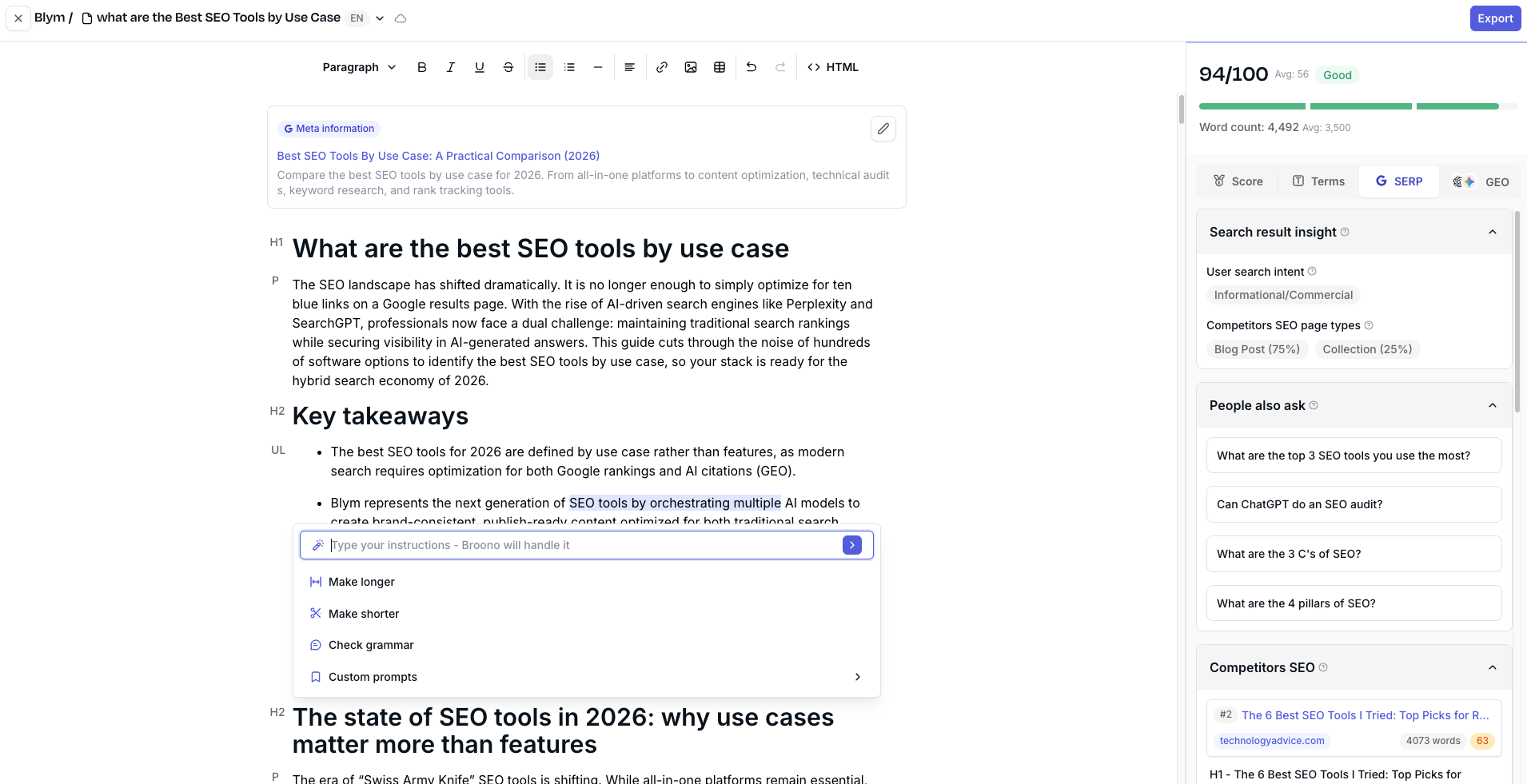
Blym is the first platform specifically designed for SEO + GEO (Generative Engine Optimization). Unlike standard AI writers, it is a strategic orchestration platform that analyzes SERPs to produce content optimized for both Google rankings and AI citations.
Pricing: Starts at $49/mo yearly.
Reviews of our clients: Rapidly gaining traction for its ability to produce publish-ready content that passes AI detection, clients appreciate its seamless brand voice preservation and high SEO performance. Some note that while content quality is excellent, the platform does not cover technical SEO audits, which may require complementary tools.
Key features:
- Dual optimization engine: Optimizes for traditional SEO (keywords) and GEO (AI answer engine visibility).
- Brand voice preservation: Analyzes existing content to mimic tone perfectly.
- SERP analysis: Deep scans of top-ranking pages to structure content logic.
Pros:
- Produces content that requires minimal to no editing.
- Orchestrates multiple LLMs for superior output quality.
- Solves the "generic AI content" problem.
Cons:
- Focused on content and strategy, not technical site audits.
Ideal for: SaaS, B2B and eCommerce teams and agencies wanting to scale high-ranking content without sacrificing brand identity.
Not ideal for: Users looking for a free, low-quality text generator.
Surfer SEO
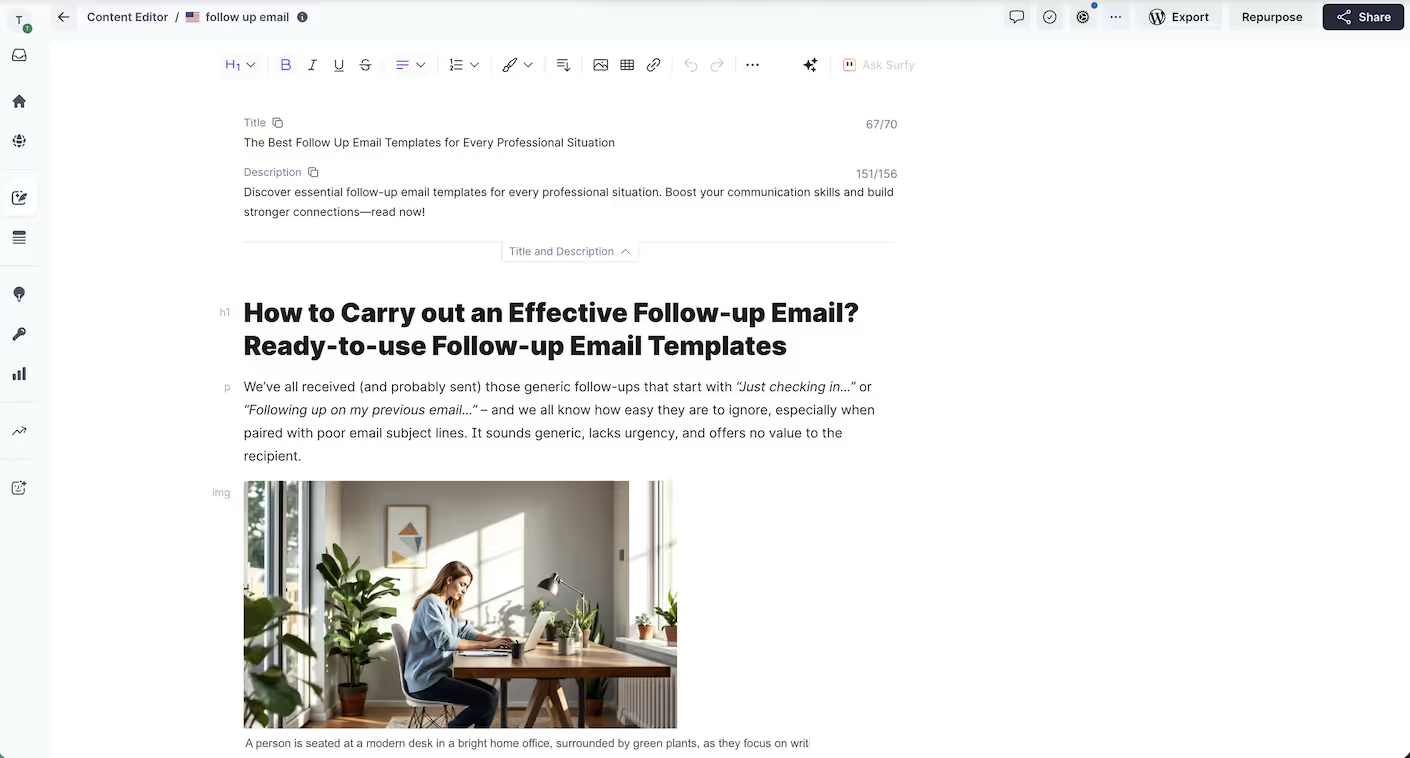
A correlation SEO tool that analyzes top-ranking pages to provide data-driven recommendations for content structure and keywords.
Pricing: Starts at $99/mo yearly.
My review: Surfer SEO is praised for taking the guesswork out of on-page SEO by providing clear, data-driven recommendations that help writers optimize content effectively. However, I caution that relying too heavily on its guidelines can lead to over-optimization, and the separate AI writing add-ons add extra complexity and cost.
Key features:
- Content Editor with real-time scoring.
- SERP Analyzer.
- Keyword Surfer extension.
Pros:
- Takes the guesswork out of on-page SEO.
- Integrates well with Google Docs and WordPress.
Cons:
- Can lead to "over-optimization" if followed blindly.
- AI writing features are separate add-ons.
Ideal for: Writers and editors needing strict guidelines for optimization.
Not ideal for: Strategic planning or off-page SEO.
Clearscope
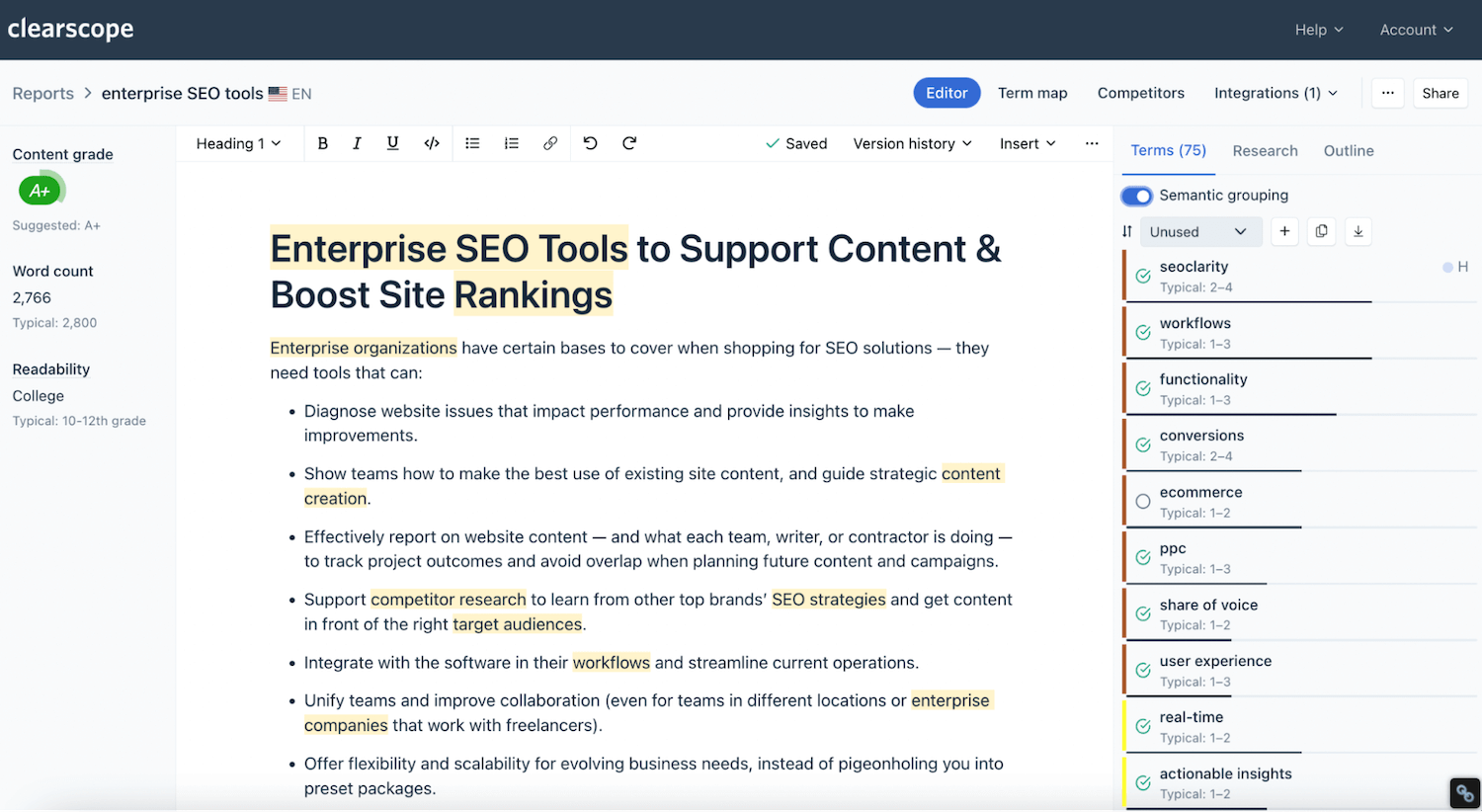
An enterprise-grade content optimization platform focused on semantic relevance and content grading.
Pricing: Starts at $129/mo.
My review: Clearscope is praised for its high-quality semantic recommendations and clean, distraction-free interface that helps enterprise content teams optimize effectively. However, I find it expensive compared to other tools and note that its features are limited mainly to content optimization without broader SEO functionalities.
Key features:
- Entity-based content grading.
- Competitor content outline analysis.
- Google Docs integration.
Pros:
- Extremely clean, distraction-free interface.
- High-quality semantic recommendations.
Cons:
- More expensive than competitors.
- Limited features outside of content optimization.
Ideal for: Enterprise content teams with larger budgets.
Not ideal for: Small businesses or solo bloggers.
Frase
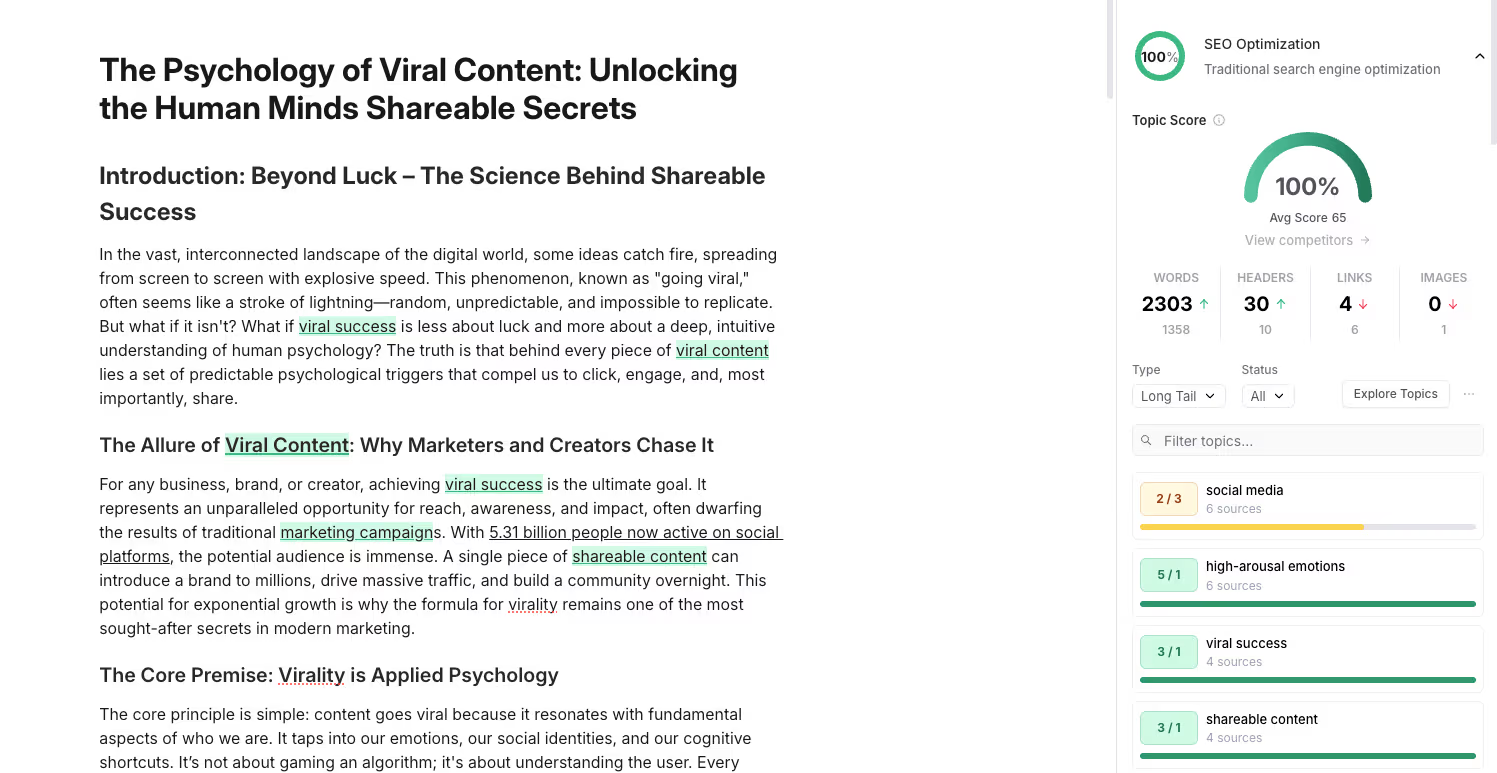
An AI-powered tool that helps research, write, and optimize content briefs by analyzing search results.
Pricing: Starter plan starts at $39/mo yearly.
My review: Frase is praised for its fast and efficient workflow in creating detailed content briefs, making it a favorite among freelancers and content managers. However, I often find that the AI writing output requires significant human editing, and the optimization data lacks the depth offered by tools like Surfer or Clearscope.
Key features:
- Automated content briefs.
- Question research from "People Also Ask".
- AI writing assistant.
Pros:
- Fastest workflow for creating detailed content briefs.
- Very affordable entry point.
Cons:
- AI writing quality requires heavy human editing.
- Optimization data is less granular than Surfer or Clearscope.
Ideal for: Freelancers and content managers creating briefs for writers.
Not ideal for: Final-polish optimization for competitive keywords.
Best SEO tools for technical audits and site health
Technical SEO is the foundation of visibility. These tools make sure search engines can crawl and index your site effectively.
Google Search Console (GSC)
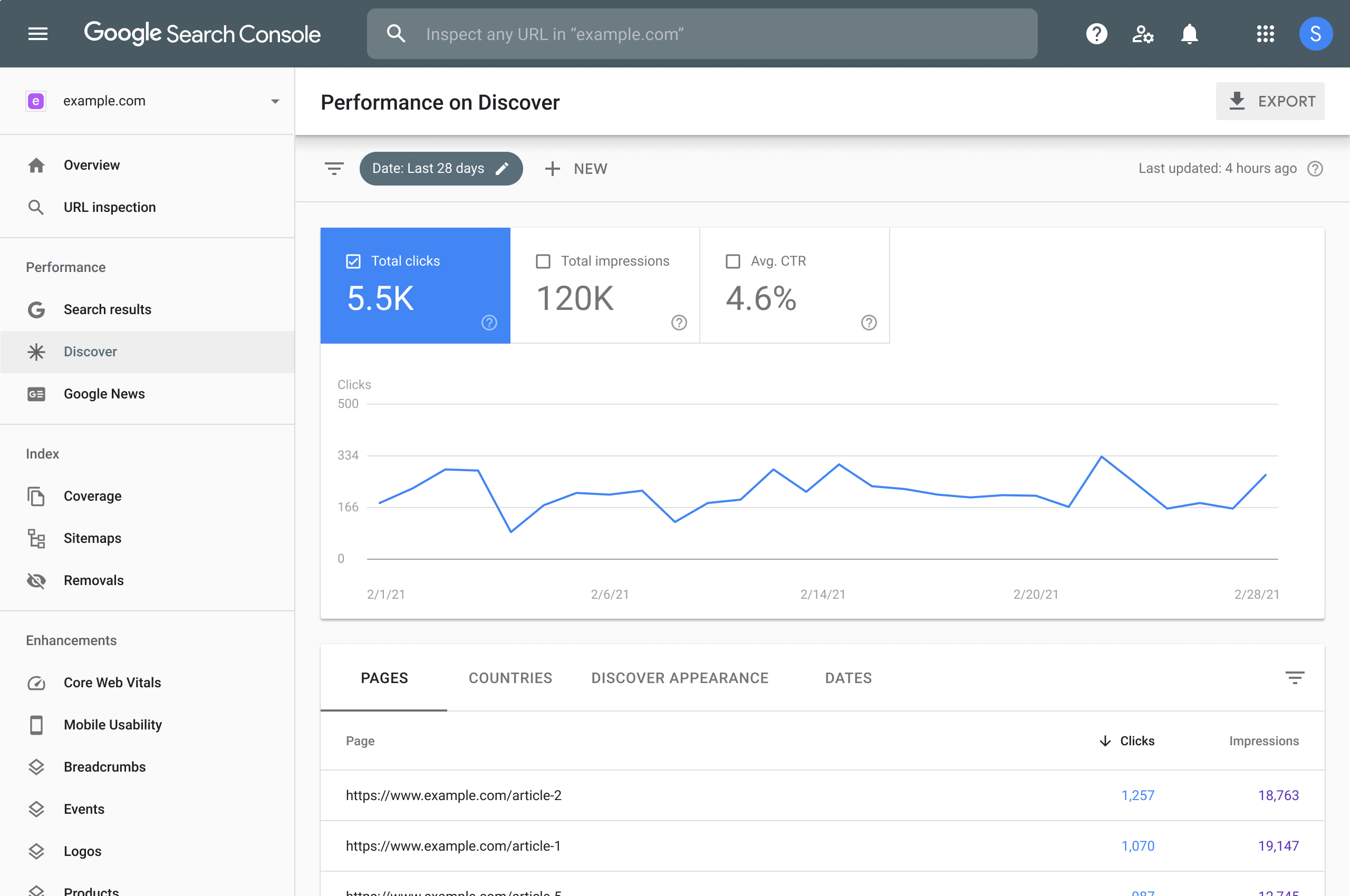
The essential free tool from Google that shows how the search engine views your site.
Pricing: Free.
My review: Google Search Console is a non-negotiable baseline for SEO that I use almost every day. It gives you Google’s own truth on crawling, indexing, and queries but it still requires experience to interpret the data correctly and connect it with real traffic and business impact.
Key features:
- Performance reporting (clicks, impressions, CTR).
- Index coverage reporting.
- Core Web Vitals assessment.
Pros:
- Direct data from Google (no estimation).
- Critical for submitting sitemaps and monitoring penalties.
Cons:
- Data is limited to your own properties (no competitor data).
- Historical data is limited to 16 months.
Ideal for: Every website owner, regardless of size.
Not ideal for: Keyword research or competitor analysis.
Screaming Frog SEO Spider
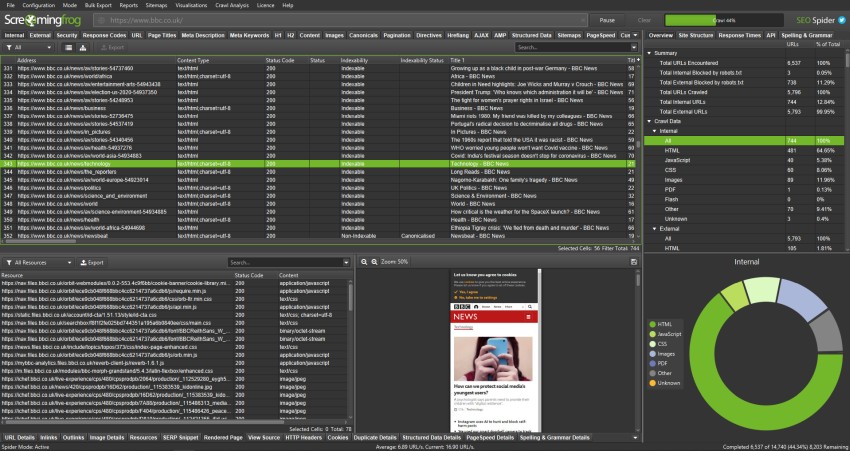
A desktop-based website crawler that mimics search engine bots to identify technical issues.
Pricing: Free for up to 500 URLs; Paid license is $274/year.
My review: Screaming Frog is still the gold standard for technical SEO crawling, and for my own needs the free version is more than enough to spot critical issues, while the paid license only really makes sense if you’re running large-scale or frequent audits.
Key features:
- Broken link detection (404s).
- Redirect chain analysis.
- Visual site architecture mapping.
Pros:
- Incredibly deep analysis of technical elements.
- Connects with GSC and GA4 APIs.
Cons:
- Desktop-only (requires local resources).
- Steep learning curve for non-technical users.
Ideal for: Technical SEO audits and site migrations.
Not ideal for: Ongoing rank tracking or content creation.
PageSpeed Insights
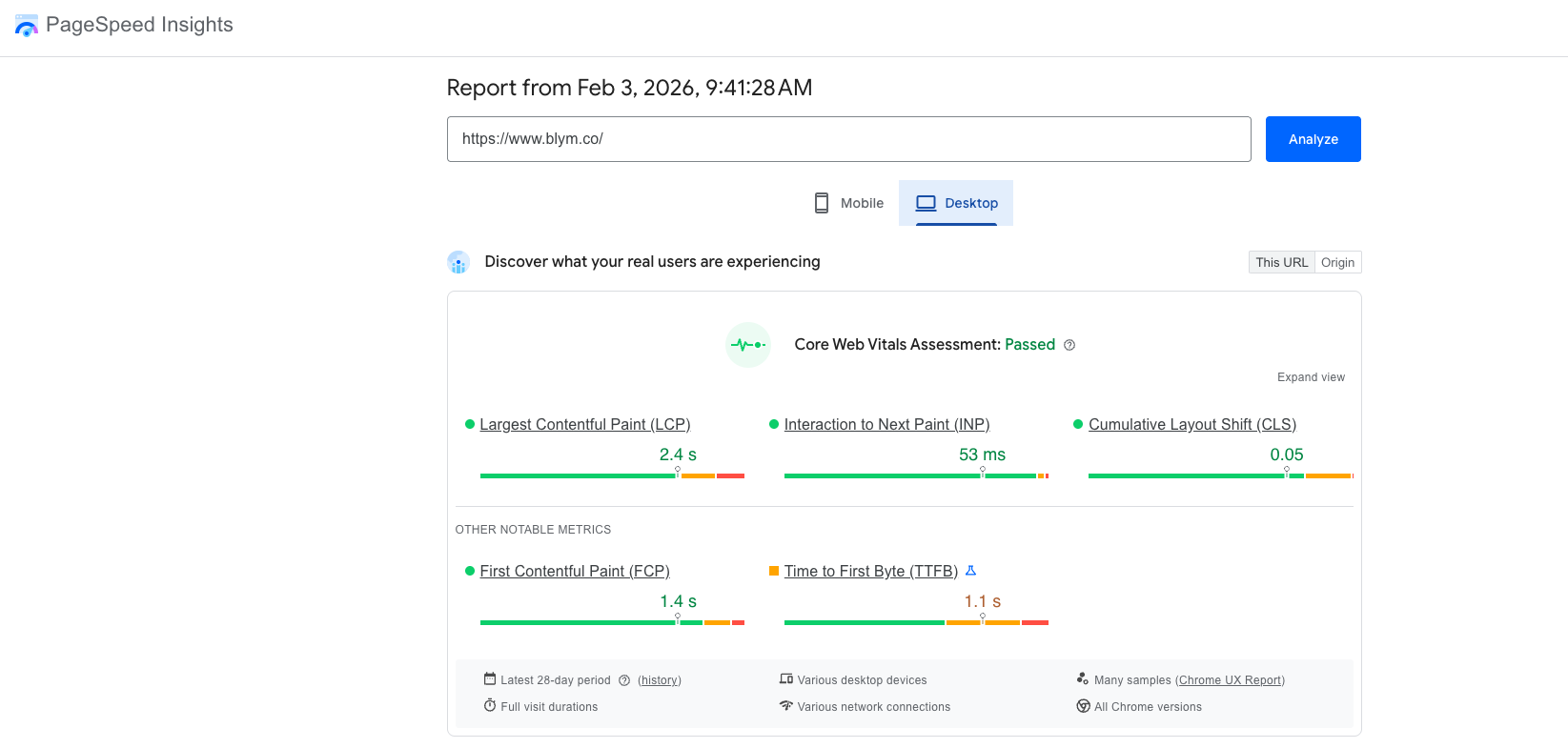
Google's tool for analyzing load times and Core Web Vitals.
Pricing: Free.
My review: PageSpeed Insights is a solid free diagnostic tool for quickly identifying Core Web Vitals issues at the page level, but its scores fluctuate enough that I treat it as a directional signal, not a KPI to optimize blindly or obsess over.
Key features:
- LCP, INP, and CLS metrics.
- Diagnostics for performance issues.
Pros:
- Provides the exact metrics Google uses for ranking.
- Actionable suggestions for developers.
Cons:
- Lab data can differ from real-world field data.
- Requires developer knowledge to implement fixes.
Ideal for: Developers and SEOs optimizing site speed.
Not ideal for: General SEO strategy.
Bing Webmaster Tools
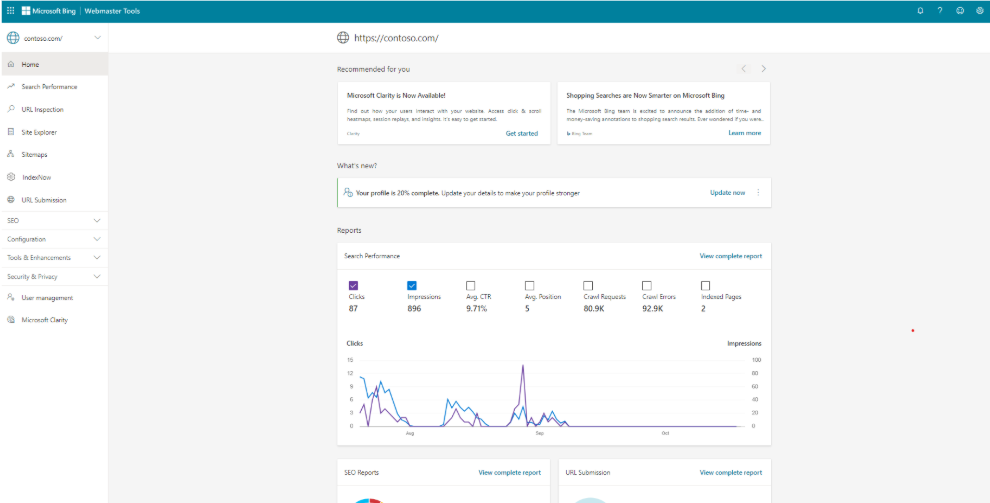
Microsoft's equivalent to GSC, offering unique insights often overlooked.
Pricing: Free.
My review: Bing Webmaster Tools offers surprisingly strong value for a free platform, especially for backlink insights and Bing-specific diagnostics but its clunky UX and sometimes opaque indexing decisions mean I use it as a complementary data source, not a primary SEO control panel.
Key features:
- Microsoft Clarity integration (heatmaps and reporting).
- Backlink data (often faster than GSC).
- SEO Reports.
Pros:
- Provides data for Bing, Yahoo, and DuckDuckGo.
- Includes a surprisingly good free keyword research tool.
Cons:
- Lower search volume data compared to Google tools.
Ideal for: Capturing the ~10% of search traffic outside Google.
Not ideal for: Primary Google optimization.
Best keyword and search intent research tools
Understanding what users search for is crucial. These tools uncover the questions and terms driving traffic.
Google Keyword Planner
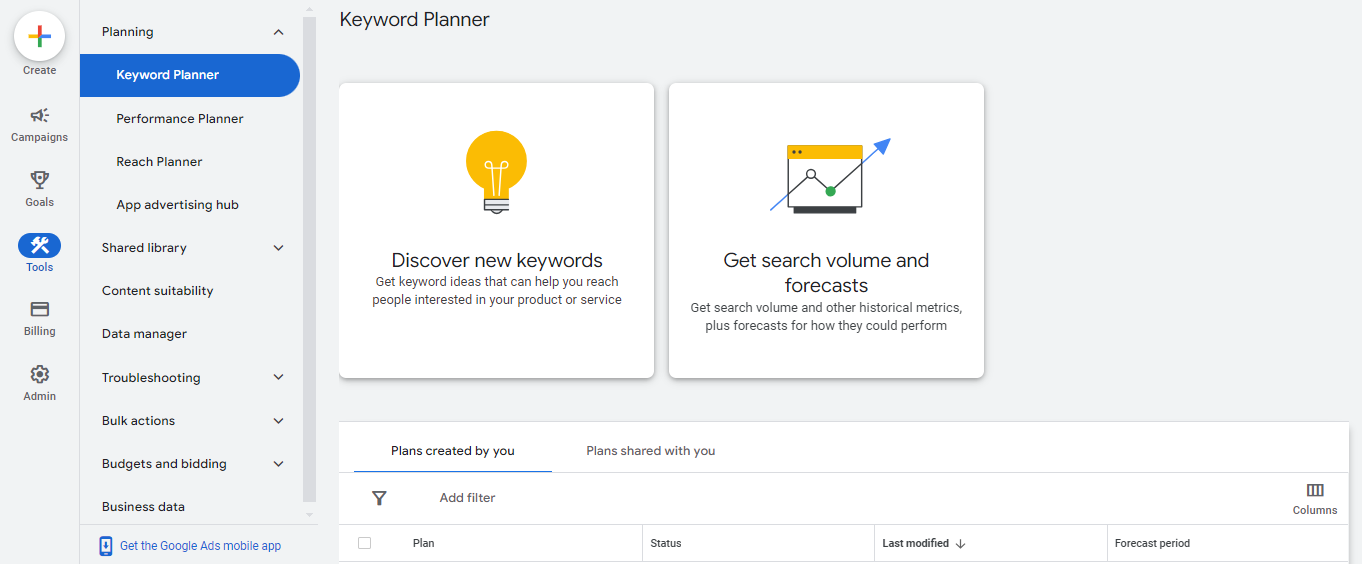
Built for Google Ads, but widely used for SEO to gauge search volume.
Pricing: Free (requires Google Ads account).
My review: Google Keyword Planner is a useful free starting point for understanding keyword themes, especially for local SEO, but if you’re not actively running Google Ads campaigns, the volume data stays too broad and imprecise for serious SEO decision-making.
Key features:
- Search volume estimates.
- Bid ranges (indicates commercial intent). Pros:
- Direct data from Google.
- Free to use. Cons:
- "Volume ranges" are vague unless you run active campaigns.
- Hides "long-tail" opportunities. Ideal for: Initial volume checks and PPC planning. Not ideal for: Uncovering niche content ideas.
AnswerThePublic
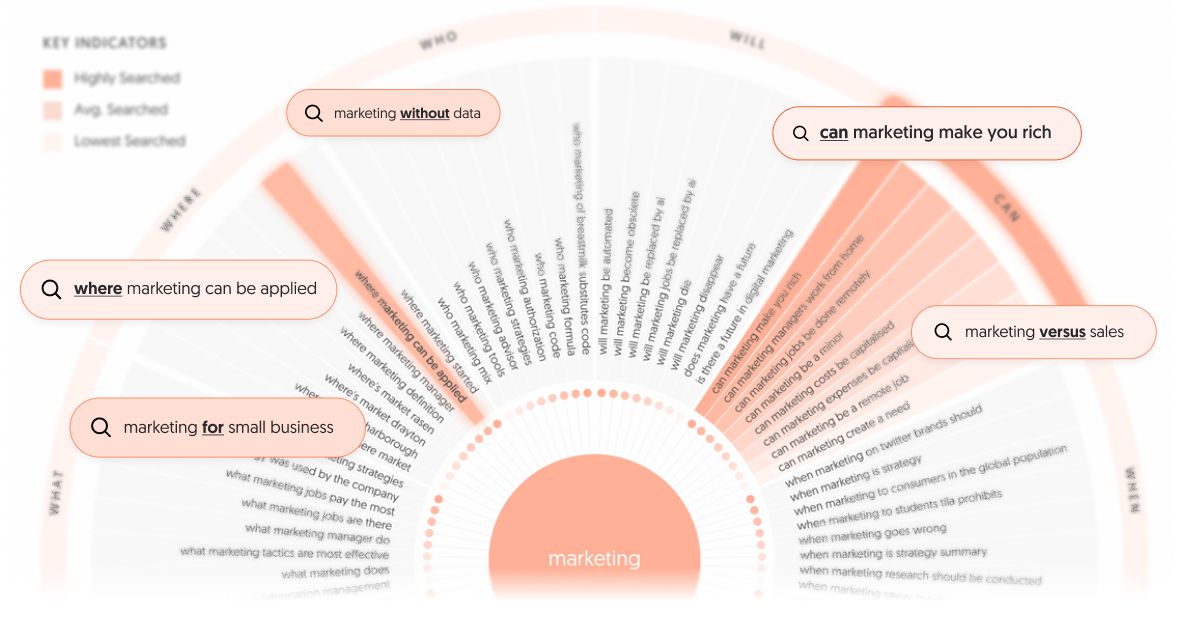
A visualization tool that scrapes autocomplete data to show questions people ask around a topic.
Pricing: Free limited searches; Starter plan starts at $13.33/mo.
My review: AnswerThePublic excels at visualizing user questions and generating long-tail keyword ideas, making it invaluable for content ideation and FAQ schema creation. However, the lack of search volume data in the free version limits its use for precise keyword prioritization, which some users find restrictive.
Key features:
- Search listening visualizations (Who, What, Where, Why).
- Alphabetical keyword lists.
Pros:
- Great for finding long-tail question keywords.
- Visual format is great for client presentations.
Cons:
- No search volume data in the free version.
Ideal for: Content ideation and FAQ schema creation.
Not ideal for: Technical keyword analysis.
AlsoAsked
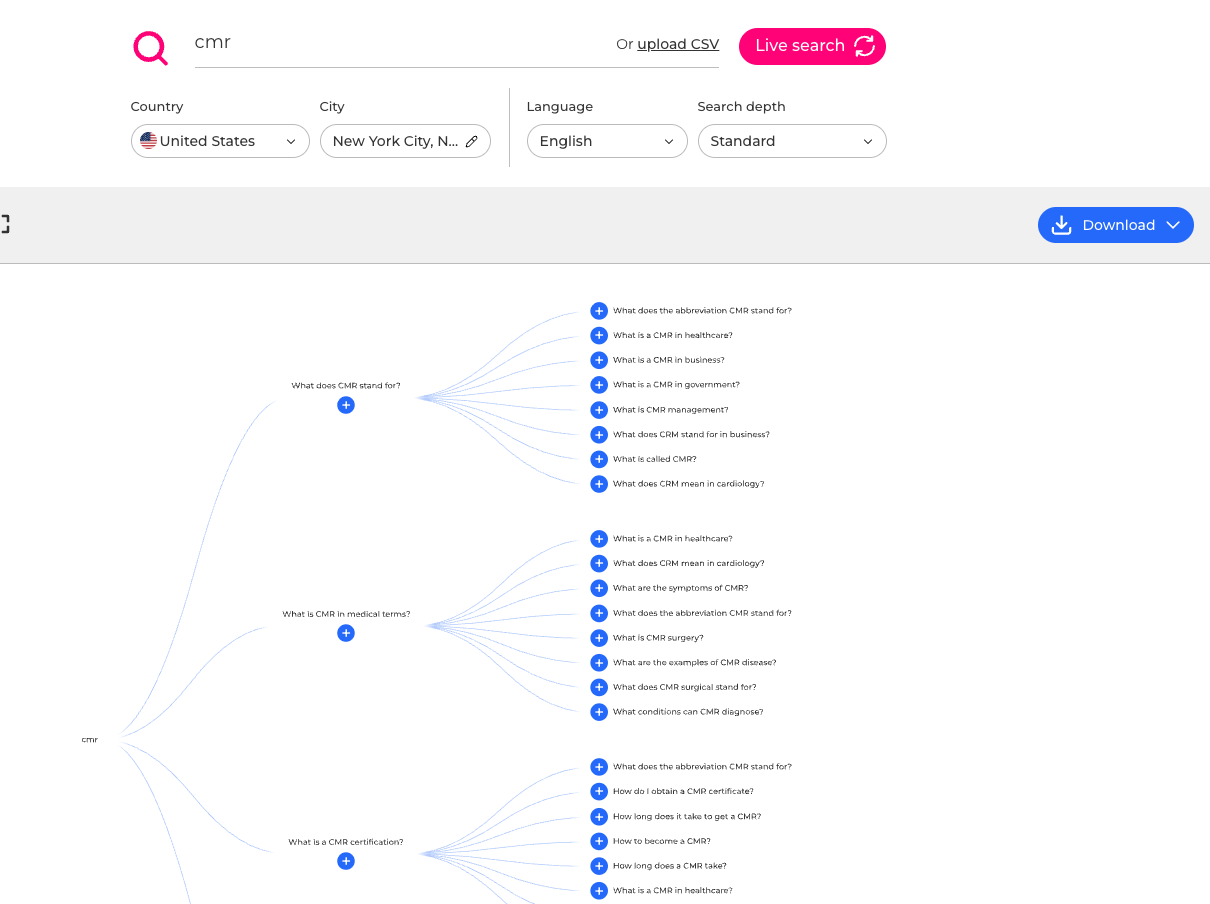
Scrapes "People Also Ask" (PAA) boxes to map the relationship between topics.
Pricing: Starts at $12/mo.
My review: I like AlsoAsked for its intuitive visualizations that reveal the hierarchical structure of user questions, helping content creators build comprehensive topic clusters. However, I find its focus too narrow, as it only analyzes People Also Ask data, limiting broader keyword research possibilities.
Key features:
- Live PAA tree graphs.
- Geo-specific search data.
Pros:
- Understands topical hierarchy better than standard tools.
- Crucial for structuring articles that cover a topic thoroughly.
Cons:
- Limited to PAA data only.
Ideal for: Structuring content outlines and topic clusters.
Not ideal for: Volume research.
KeySearch
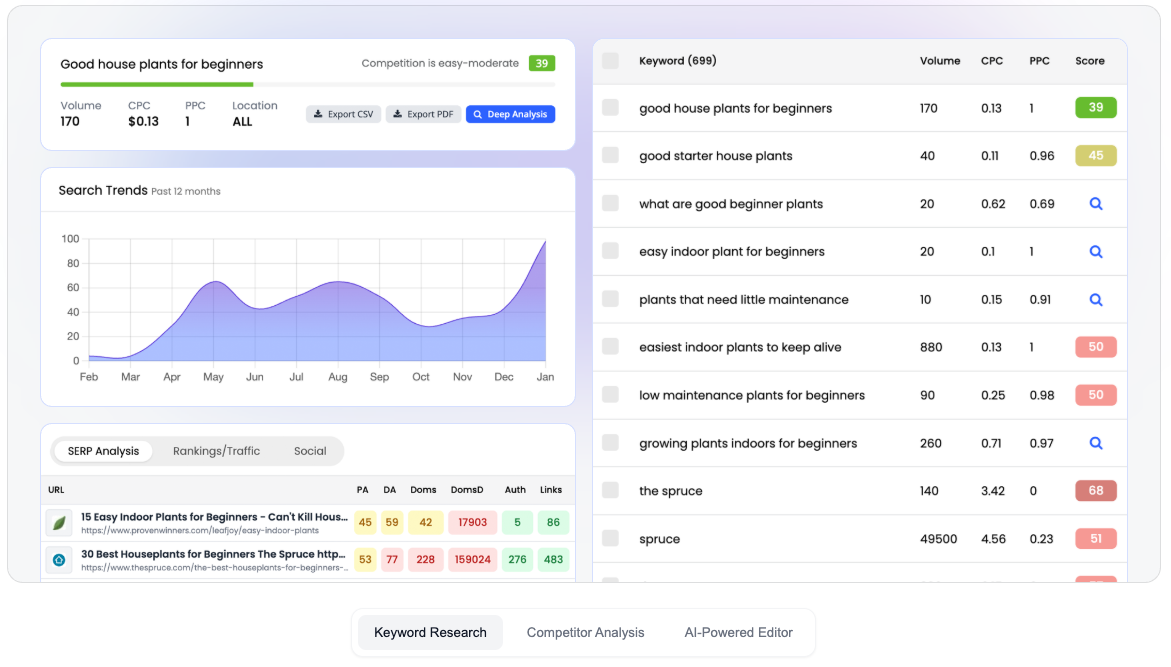
A budget-friendly keyword research tool that punches above its weight.
Pricing: Starts at $20/mo yearly.
My review: I like it for its affordability and straightforward keyword research features, making it accessible for solopreneurs and small teams. However, I find the user interface dated and note that the data isn’t as fresh or comprehensive as offerings from premium competitors like SEMrush or Ahrefs.
Key features:
- Keyword difficulty checker.
- Competitor gap analysis.
- YouTube research.
Pros:
- Extremely affordable.
- Includes a decent content assistant.
Cons:
- UI is dated.
- Data is not as fresh as SEMrush/Ahrefs.
Ideal for: Solopreneurs and small budget teams.
Not ideal for: Enterprise agencies.
Best rank tracking tools that go beyond basic monitoring
Tracking positions is about spotting trends and volatility, not just vanity metrics.
AccuRanker
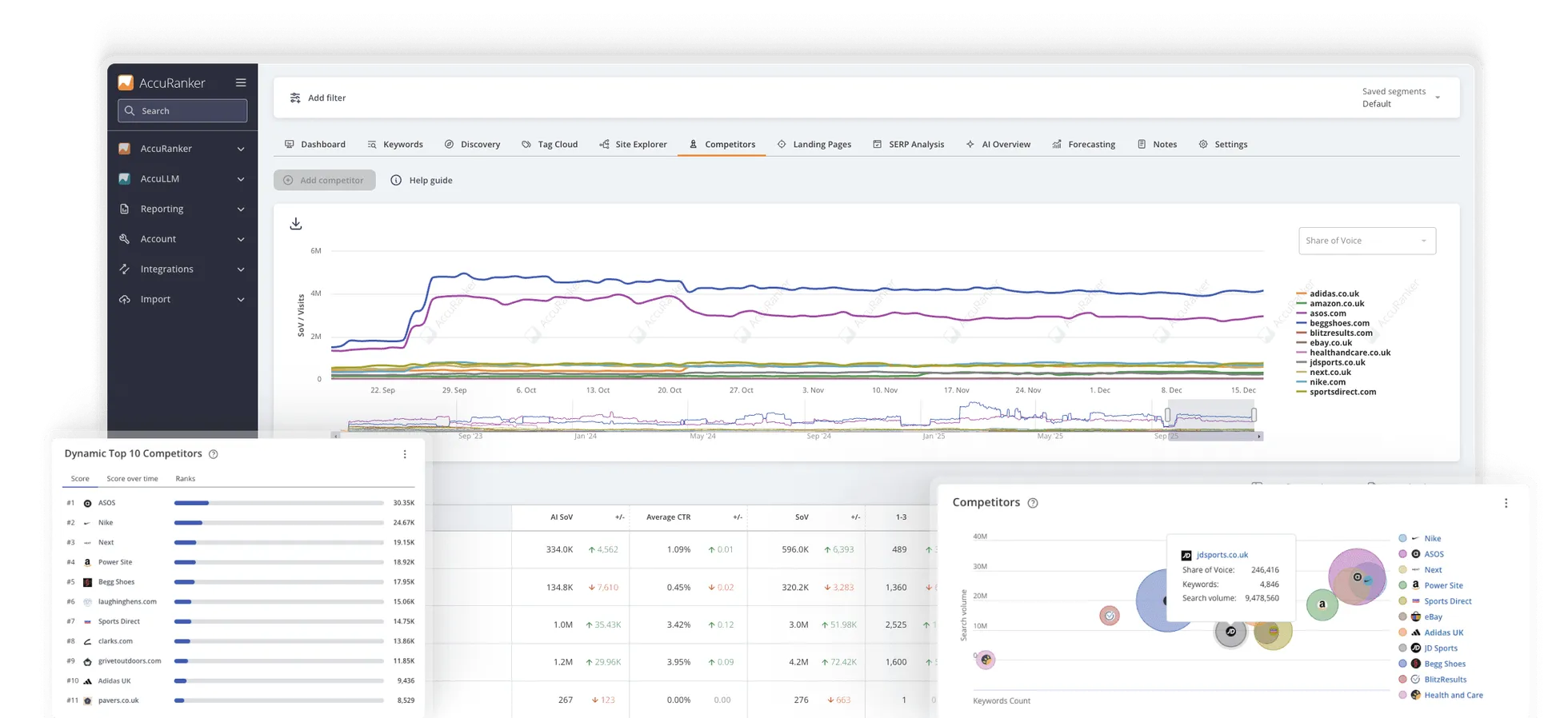
The world's fastest rank tracker, known for "on-demand" updates.
Pricing: Starts at $224/mo yearly for 2,000 keywords.
My review: I value AccuRanker for its real-time rank updates that provide a significant advantage in fast-moving SEO environments. However, I find its cost relatively high compared to bundled tools, which may not suit smaller sites with stable rankings.
Key features:
- Instant rank updates (seconds, not hours).
- Share of Voice metrics.
- Dynamic tagging.
Pros:
- Real-time data is a game-changer for high-stakes SEO.
- Excellent API and reporting integrations.
Cons:
- Expensive compared to bundled tools.
Ideal for: Enterprise and agencies needing real-time accuracy.
Not ideal for: Small sites with stable rankings.
Nightwatch
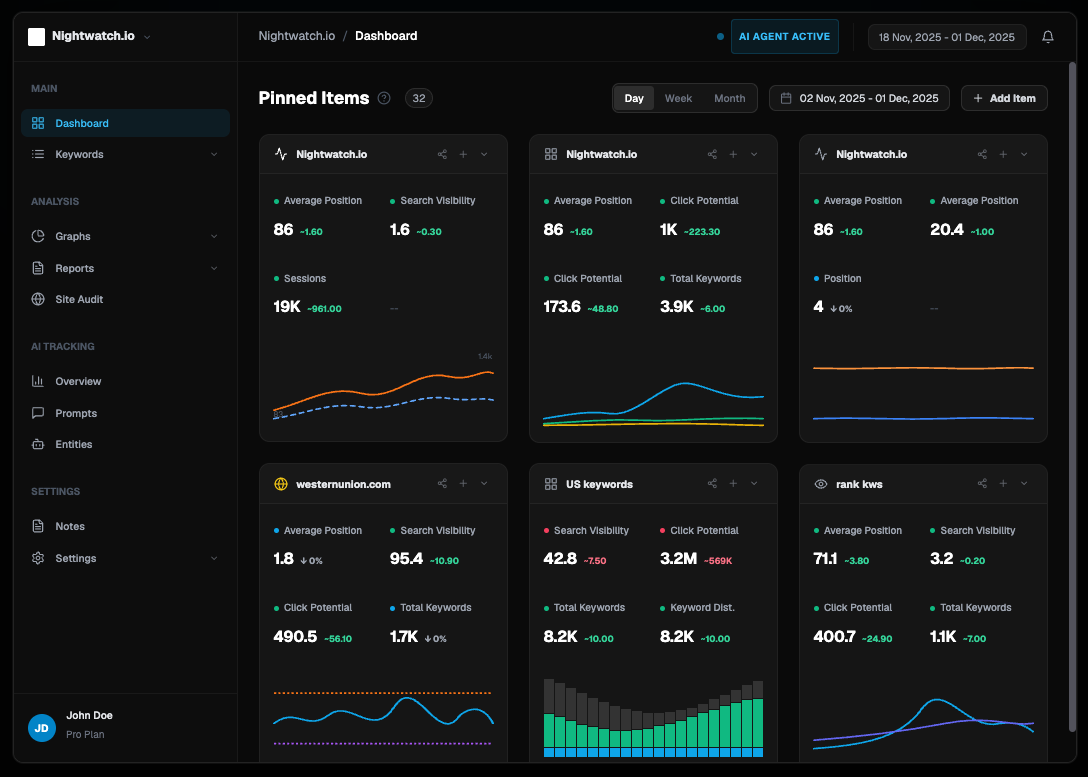
A tracker focused on local SEO and accurate data visualization.
Pricing: Starts at $32/mo yearly for 250 keywords.
My reviews: I appreciate Nightwatch for its futuristic and visually appealing UI that enhances user experience while delivering highly accurate local geo-targeting data. However, I find its narrower feature set limiting compared to all-in-one SEO tools, which can restrict its usefulness for broader SEO strategies.
Key features:
- Local map pack tracking.
- "SEO Downside" protection with reporting.
Pros:
- Beautiful, futuristic UI.
- High accuracy for local geo-targeting.
Cons:
- Feature set is narrower than all-in-one tools.
Ideal for: Local SEO agencies.
Not ideal for: Backlink analysis.
SE Ranking (Rank Tracker)
Mentioned earlier, but their rank tracker deserves specific praise for its granularity.
Pricing: Included in suite.
Key features:
- Historical ranking data.
- Google Maps and YouTube tracking.
Pros:
- Cost-effective.
- Tracks 100% of keywords, not a sample.
Cons:
- Daily updates cost extra on lower plans.
Ideal for: Budget-conscious tracking.
Not ideal for: Real-time on-demand checks.
Best link building and authority tools
Links remain a primary ranking factor. These tools help find and secure them.
Ahrefs (Link Tools)
Also mentioned earlier. The industry leader for backlink index size and speed.
Pricing: Part of the suite.
Key features:
- Link Intersect tool.
- Broken link checker.
- Lost backlinks report.
Pros:
- Finds new links faster than any other tool.
- "Best by links" report is essential for strategy.
Cons:
- Expensive if used only for links.
Ideal for: Competitor backlink analysis.
Not ideal for: Managing outreach campaigns.
SEMrush (Link Building Tool)
Offers a workflow-based approach to link building.
Pricing: Part of the suite.
Key features:
- Backlink Gap tool.
- Integrated email outreach interface.
Pros:
- Combines discovery and outreach in one tab.
- Toxic backlink audit is very useful.
Cons:
- Outreach features are basic compared to dedicated CRM.
Ideal for: Teams wanting an all-in-one workflow.
Not ideal for: High-volume cold email campaigns.
Pitchbox
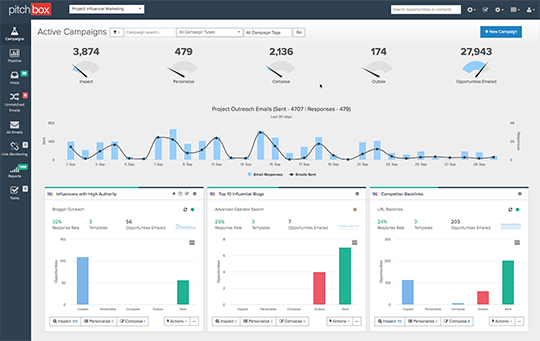
An influencer outreach and content marketing platform for serious link builders.
Pricing: Starts at $165/mo yearly.
My review: I find Pitchbox excels in scaling outreach campaigns without losing personalization, making it a powerful tool for large-scale link-building efforts. However, I also notice that its high cost and complexity can be overwhelming for small teams or beginners, limiting its accessibility.
Key features:
- Automated follow-ups.
- SEO metric integration (Moz/Ahrefs/SEMrush).
- Campaign analytics.
Pros:
- Scales outreach without losing personalization.
- High deliverability rates.
Cons:
- High cost barrier.
- Overkill for small teams.
Ideal for: Large agencies and enterprise link building teams.
Not ideal for: Beginners or low-volume outreach.
Best SEO automation and workflow tools
Automation is about removing repetitive tasks to focus on strategy.
Blym AI (Orchestration)
Already mentioned earlier, while Blym excels at content, its underlying power lies in AI orchestration. It automates the complex workflow of research, outlining, drafting, and optimizing by chaining multiple world-class AI models together.
Pricing: part of the plan.
Key features:
- Multi-model orchestration: Uses best AI models for different tasks (e.g., one for logic, one for creativity, one for data).
- Automated SERP analysis: Instantly processes top results to inform strategy.
- Workflow integration: Moves from keyword to publish-ready draft in one flow.
Pros:
- Reduces content production time by 90%.
- Maintains consistency across hundreds of pages.
- Eliminates the need for "prompt engineering" by the user.
Cons:
- Focus is on editorial and SEO workflows, not technical site fixes.
Ideal for: Teams scaling content operations who need high quality without the manual grind. Not ideal for: One-off, short social media captions.
Gumloop
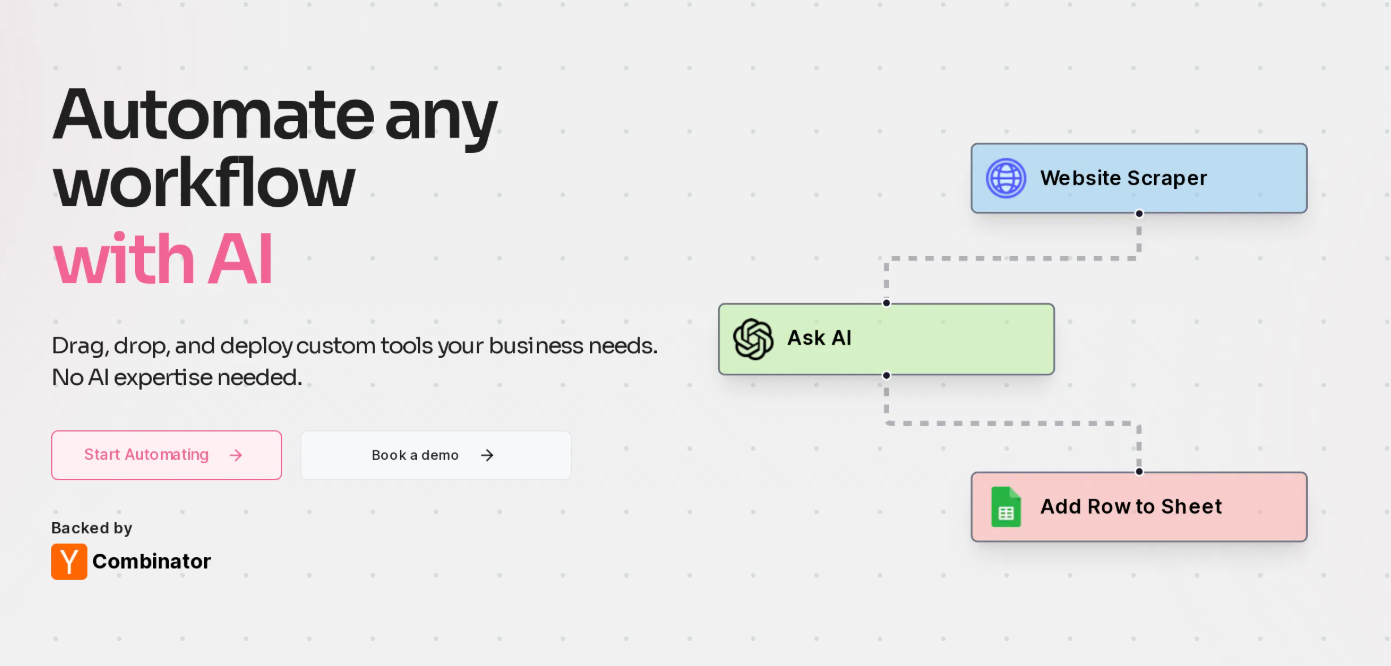
A no-code platform that lets you build custom AI workflows by dragging and dropping nodes.
Pricing: Free tier available; Pro starts at $30/mo yearly.
My review: I find Gumloop incredibly flexible, allowing us to build custom SEO tools tailored to specific needs, which significantly automates repetitive data tasks. However, setting it up requires a builder mindset, and I sometimes face challenges without technical expertise, making it less accessible for plug-and-play users.
Key features:
- Drag-and-drop workflow builder.
- Integration with OpenAI, Anthropic, and Google Sheets.
Pros:
- Incredible flexibility to build custom SEO tools.
- Automates repetitive data tasks (e.g., "categorize these 1000 keywords").
Cons:
- Requires a "builder" mindset to set up.
Ideal for: Technical marketers building custom internal tools.
Not ideal for: Plug-and-play users.
AirOps
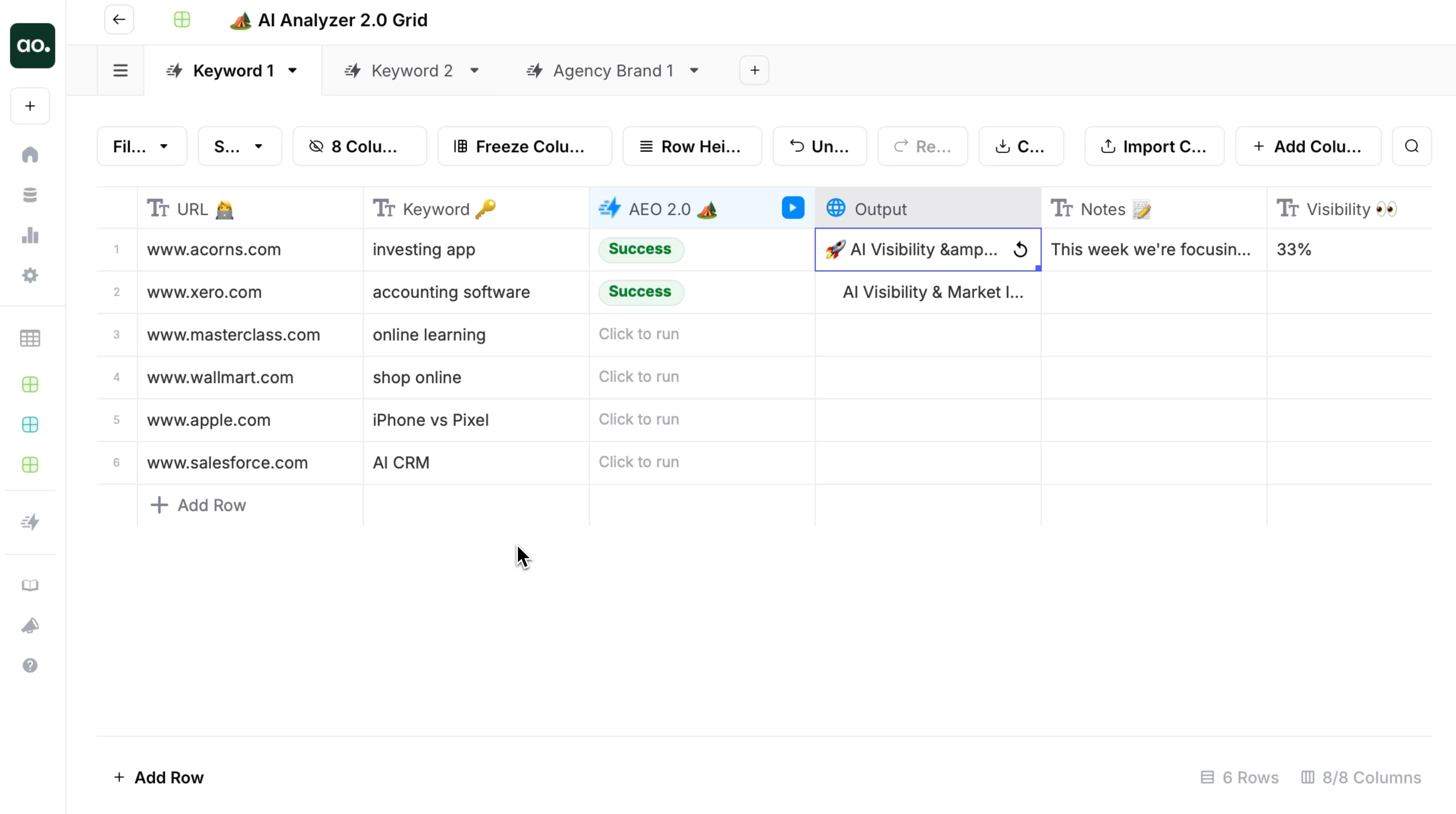
A platform for deploying AI apps and workflows specifically for content and data tasks.
Pricing: Free plans and custom plan for Enterprise.
My review: I appreciate AirOps for its user-friendly platform that simplifies deploying AI apps and workflows, making bulk content and data tasks more manageable. However, I find that its flexibility is somewhat limited compared to more customizable solutions like Gumloop, which can restrict complex, brand-specific SEO workflows.
Key features:
- Pre-built SEO apps (e.g., "SEO Description Generator").
- Batch processing capabilities.
Pros:
- Great for bulk operations.
- Easy to integrate into existing stacks.
Cons:
- Less flexible than Gumloop but easier to use.
Ideal for: Operations teams processing large datasets.
Not ideal for: Nuanced, brand-voice heavy content creation.
Writesonic (Execution Layer)
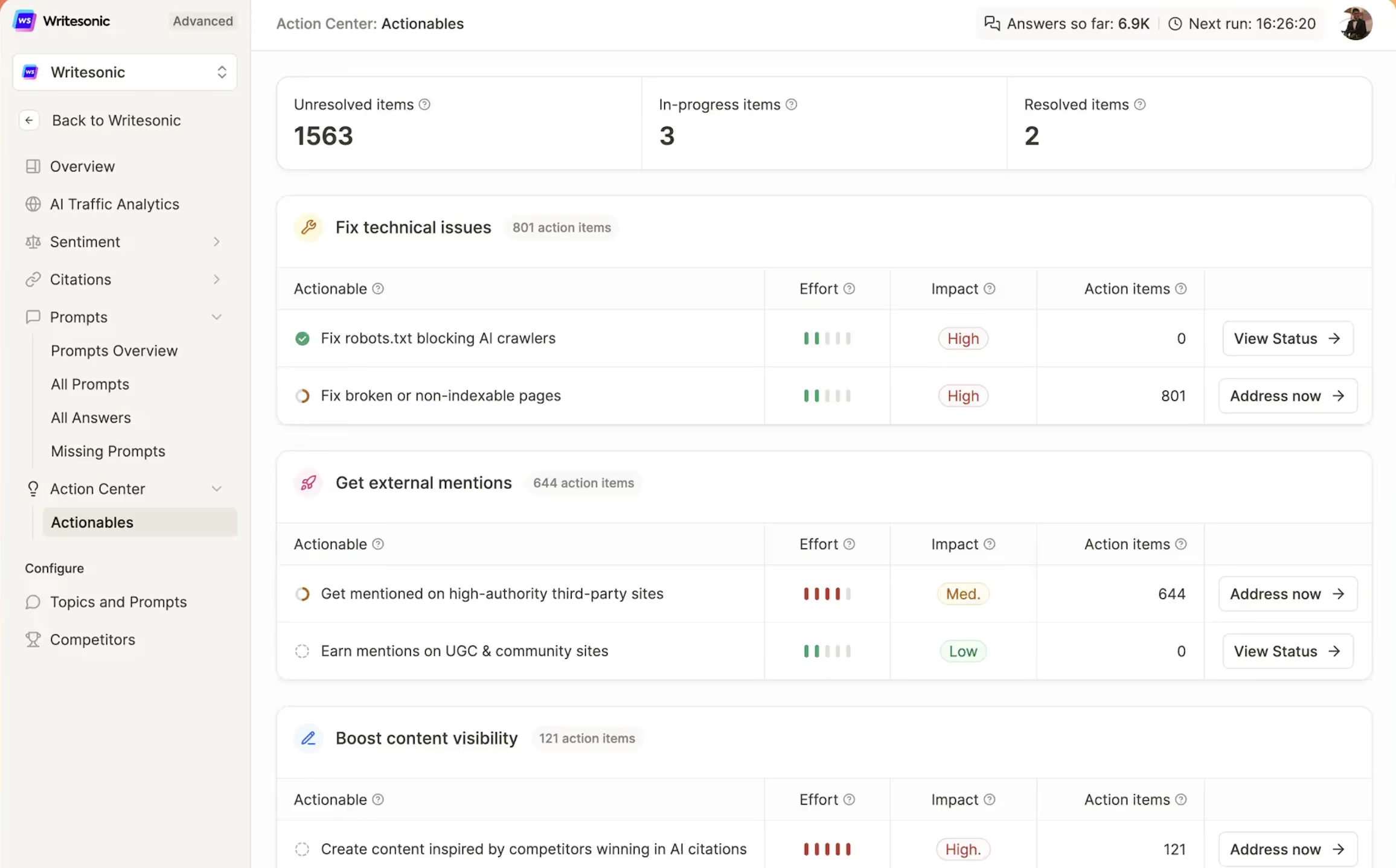
An AI writing tool focused on marketing copy and short-form content.
Pricing: starts at $39/mo yearly.
My review: I find Writesonic useful for generating quick, generic marketing copy, which helps speed up content creation for social media and ads. However, I often need to perform heavy editing to meet B2B standards, and its lack of strategic depth and brand voice preservation limits its effectiveness for complex SEO content.
Key features:
- Article Writer 5.0.
- Landing page copy generator.
Pros:
- Good for quick, generic copy.
- Integrates with Surfer SEO.
Cons:
- Lacks the strategic depth and brand voice preservation of platforms like Blym.
- Often requires heavy editing for B2B standards.
Ideal for: Quick ad copy and social posts.
Not ideal for: Thought leadership or complex SEO articles.
Best budget and free SEO tools that don't compromise results
You don't always need a credit card to get actionable data.
Google Trends
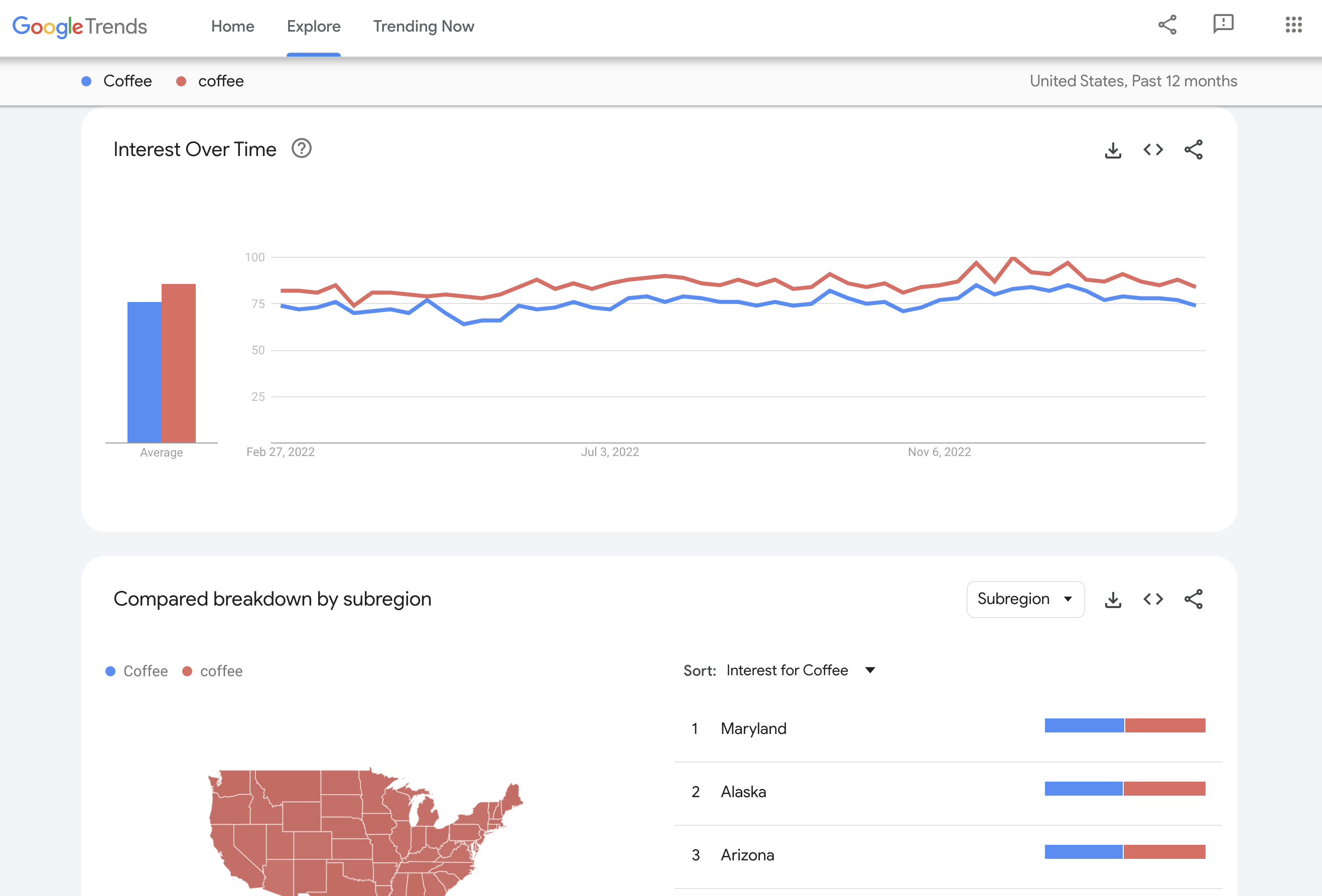
Analyzes the popularity of search queries over time.
Pricing: Free.
My review: Google Trends is an excellent free signal tool to spot rising topics and validate content ideas, but because it only shows relative interest and struggles with niche queries, I recommend to pair it with SEO tools that provide real search volume and competitive context.
Key features:
- Regional interest breakdown.
- Related queries and topics.
Pros:
- Identifies seasonality and breaking trends.
- Great for newsjacking strategies.
Cons:
- No absolute search volume numbers (only relative 0-100 scale).
Ideal for: Content planning and market research.
Not ideal for: Evergreen keyword research.
Looker Studio
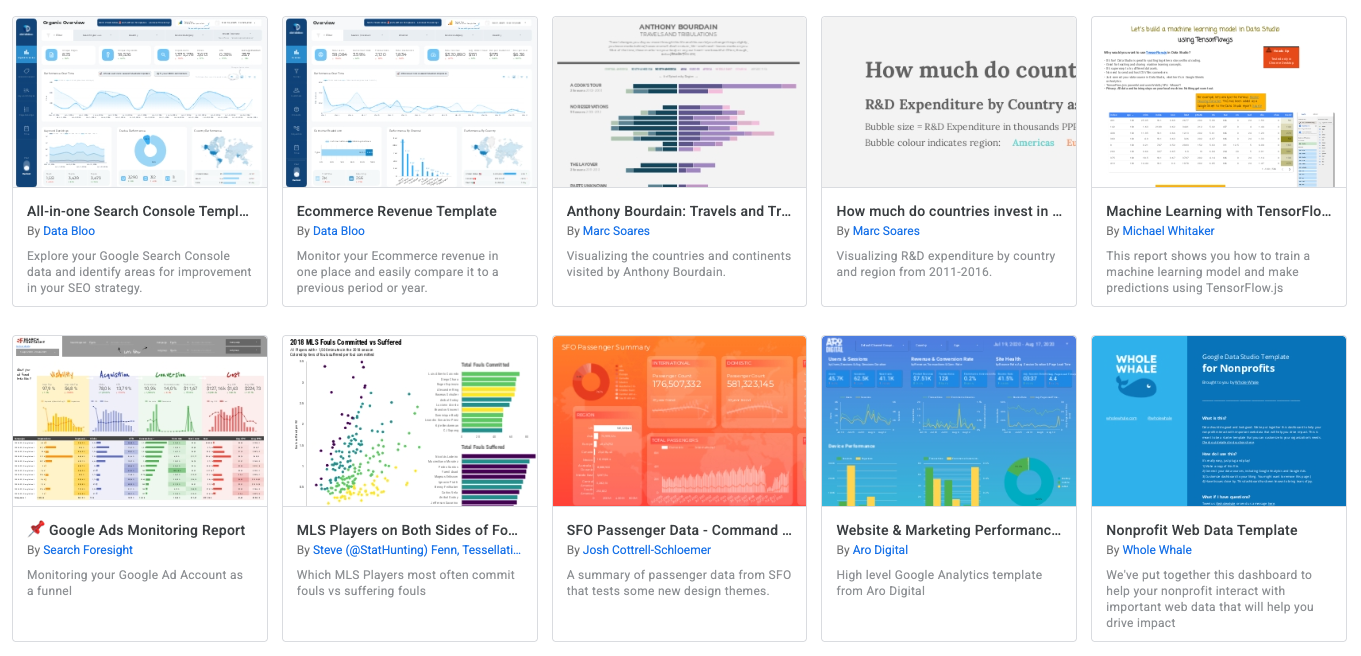
Google's data visualization tool (formerly Data Studio).
Pricing: Free.
My review: Looker Studio is still one of the best free tools to build fast, clean SEO and Ads dashboards without code, but in practice I treat it as a lightweight reporting layer—once dashboards get complex, you spend more time maintaining them than analyzing data.
Key features:
- Connectors to GSC, GA4, and Sheets.
- Customizable dashboards.
Pros:
- Turns raw data into client-friendly reports.
- Completely free.
Cons:
- Can be slow with large datasets.
- Steep learning curve for complex formulas.
Ideal for: Client reporting and internal dashboards.
Not ideal for: Data analysis (it's for visualization).
SimilarWeb
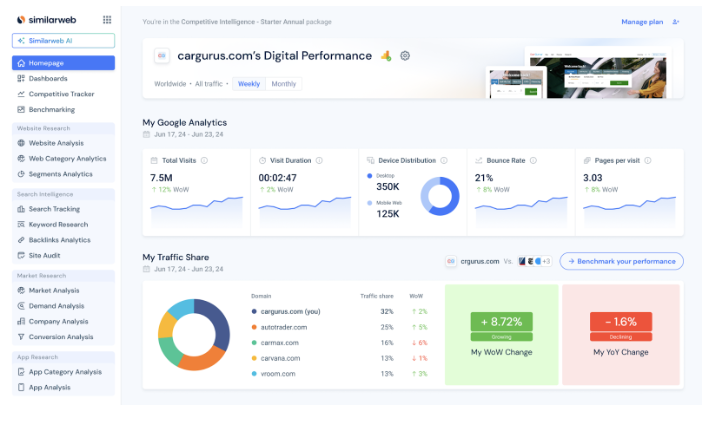
Provides traffic estimates and sources for any website.
Pricing: Free extension/limited web version; Starts at $125/mo yearly
My review: Similarweb is excellent for quick competitive and market insights—especially with its free browser extension but once you move beyond surface-level analysis, the paid plans get expensive fast.
Key features:
- Traffic source breakdown (Direct, Search, Social).
- Top referring sites.
Pros:
- See competitor traffic data that GSC can't show you.
- Great Chrome extension.
Cons:
- Data is estimated and less accurate for small sites.
Ideal for: Benchmarking against competitors.
Not ideal for: Exact keyword tracking.
How to choose the right SEO tool for your business needs
Selecting the right tool depends entirely on your business model and growth stage. There is no single "best" tool, only the best tool for your current constraints.
For the solo founder: Focus on high-impact, low-cost tools. A combination of SE Ranking (for tracking) and Google Search Console is often enough to start. Avoid enterprise suites until revenue justifies the cost.
For SaaS and in-house teams: Efficiency is key. You need tools that integrate into workflows. Blym AI is built for this scenario, helping teams scale content production without hiring an army of writers. By solving for both Google rankings and AI citations simultaneously, Blym allows lean teams to punch above their weight class in organic visibility.
For agencies: Reporting and scalability matter most. SEMrush or Ahrefs are non-negotiable for data, while Pitchbox is essential if you offer link building.
For content-led growth: If your primary acquisition channel is organic search traffic, you cannot rely on generic AI writers. You need a platform like Blym that combines SEO data with brand voice preservation, so your content converts traffic into users, not just bounces.
Final thoughts on the best SEO tools for 2026
As we move further into 2026, the divide between "data tools" and "action tools" will widen. The market is flooded with software that can tell you what to do, but few help you actually do it effectively.
The winners in this new landscape will be those who adopt platforms that bridge this gap. While traditional tools like Ahrefs and SEMrush remain essential for data, the execution layer belongs to next-gen platforms. Blym's approach of combining deep SEO expertise with brand voice preservation represents the future of this execution. It means that as you scale your content for search engines, you don't lose the human element that builds trust with your audience.
Choose tools that don't just report on the past, but help you build a future-ready presence across both Google and the AI web.
Frequently asked questions about SEO tools
What are the top 3 SEO tools you use the most?
For a complete strategy, the top three essentials are usually Google Search Console (for accurate performance data), Ahrefs or SEMrush (for competitor and backlink data), and Blym (for executing high-ranking content workflows).
Can ChatGPT do an SEO audit?
No, ChatGPT cannot perform an SEO audit because it cannot crawl websites in real-time to check for technical issues like broken links, canonical tags, or page speed. It is useful for analyzing text or code snippets, but not for site-wide health checks.
What are the 3 C's of SEO?
The 3 C's of SEO are generally considered to be Content (relevance and quality), Code (technical performance and structure), and Credibility (authority and backlinks).
What are the 4 pillars of SEO?
The four pillars of SEO are Technical SEO (site health and crawling), On-Page SEO (content and keywords), Off-Page SEO (backlinks and authority), and Content Strategy (meeting user intent and topical authority).


I’m the Founder & CEO of Blym AI, a GEO & SEO software designed to help companies create on-brand content that ranks on Google and LLMs like ChatGPT.
I specialize in search-driven content strategy, with a strong focus on SEO, GEO, and AI-assisted writing.
On a daily basis, I research AI writing systems, work closely with customers, and continuously improve Blym to match real-world content and search requirements.
Blym is built with humans at the center. It doesn’t aim to replace expertise, but to help industry experts express their knowledge clearly and efficiently, turning it into high-quality, flexible content that performs in modern search environments.